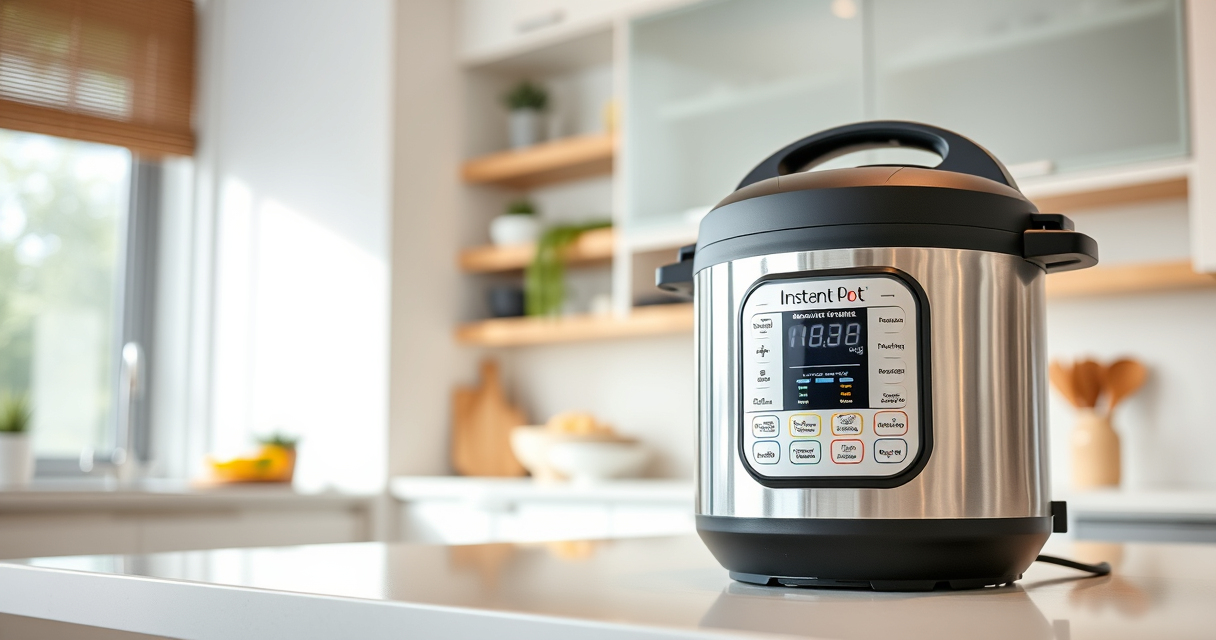

If your Instant Pot keeps displaying a burn error, it can be frustrating and disrupt your meal prep. This guide provides clear, safe troubleshooting steps tailored for the Instant Pot 4QT RIO Mini 7-in-1 Multi-Cooker, helping you resolve the issue efficiently.

Get kitchen staples and gadgets delivered free — and shop member deals
- Fast, free delivery on millions of items
- Access to Prime Big Deal Days deals on October 6–7
- Prime Video, Amazon Music and more included
Burn errors usually occur due to food sticking to the bottom, incorrect liquid levels, or sealing problems. Understanding the causes and following these steps can help restore your device’s functionality without risking damage.
Key Takeaways
| Cause Identification | Burn errors often happen from insufficient liquid or food sticking to the bottom. |
| Immediate Action | Stir or scrape the bottom to loosen stuck food before restarting. |
| Check Seals | Ensure the sealing ring and vent are properly installed and clean. |
| Liquid Levels | Add enough liquid to create steam and prevent burning. |
| Clean After Burn | Thoroughly clean the inner pot and sealing ring if burnt food remains. |
Step 1: Turn Off and Unplug
Immediately turn off your Instant Pot and unplug it. Carefully open the lid once pressure is released to prevent steam burns.
Step 2: Check for Burnt Food and Stir
- Remove the inner pot and inspect for stuck food or burnt residues.
- Use a non-abrasive spatula or cloth to gently loosen any stuck food from the bottom.
- If necessary, rinse the bottom of the inner pot to remove burnt bits.
Step 3: Verify Liquid Levels and Ingredients
- Ensure there is enough liquid (at least 1 to 1.5 cups of water or broth) for pressure buildup.
- Check that ingredients aren’t overly thick or sticky, which can cause burning.
Step 4: Inspect and Clean the Sealing Components
Remove the sealing ring and check for damage or food debris. Clean thoroughly with warm, soapy water. Ensure the vent and float valve are clear and properly positioned.
Step 5: Restart with Adjustments
- Reassemble the inner pot with the sealing ring properly in place.
- Add enough liquid and ensure ingredients are spread evenly.
- Close the lid securely, set the valve to sealing, and start your cooking cycle.
The Products in This Guide

Instant Pot 4QT RIO Mini 7-in-1 Multi-Cooker
- ✔ Weight: 10 lbs
- ✔ Dimensions: 10 x 10 x 10 inches
- ✔ Warranty: 1-year

AOZITA Steamer Basket
- ✔ Dishwasher Safe: Yes
- ✔ Weight: 1.5 lbs
- ✔ Dimensions: 8 x 8 x 4 inches
Instant Pot 4QT RIO Mini 7-in-1 Multi-Cooker
The Instant Pot 4QT RIO Mini is ideal for small families or individuals, offering 7 cooking functions in a compact design. It’s easy to use and clean, making it a popular choice for quick, healthy meals.
Pros:
- Space-saving design
- Multiple cooking functions
- User-friendly interface
- Fast cooking times
Cons:
- Limited capacity
- Can trigger burn error if not used properly
- Requires careful cleaning
Best for: Small families, singles, and kitchen spaces with limited storage
Not ideal for: Cooking for large groups or multiple dishes simultaneously
Bottom line: A versatile, small-pressure cooker perfect for everyday small meal prep.
AOZITA Steamer Basket
This AOZITA Steamer Basket expands your Instant Pot’s utility by allowing you to cook multiple items simultaneously with its two-tier design, making your meal prep more efficient.
Pros:
- Dual-layer cooking
- Stainless steel durability
- Fits 6 and 8 qt models
- Easy to clean
Cons:
- Adds slightly to cleaning steps
- Requires space in the pot
Best for: Cooking vegetables, seafood, or multiple dishes at once
Not ideal for: Cooking very large quantities or very thick foods
Bottom line: A practical accessory for increasing your Instant Pot’s versatility.
Frequently Asked Questions
Why does my Instant Pot keep burning and showing burn error?
Burn errors typically happen due to insufficient liquid, food sticking to the bottom, or improper sealing. Ensuring enough liquid and cleaning the sealing ring often resolves the issue.
How much liquid should I add to prevent burn errors?
Add at least 1 to 1.5 cups of liquid, depending on your recipe, to generate enough steam and prevent burning.
Can burnt food damage my Instant Pot?
If cleaned promptly, burnt food usually won’t damage your device. However, persistent or deep burns might require thorough cleaning and inspection of the inner pot and sealing components.
Is it safe to continue cooking after a burn error?
Yes, but only after resolving the cause, such as cleaning the bottom and ensuring proper liquid levels. Never force the cooker to operate with burnt residues.
Master Your Instant Pot and Keep It Running Smoothly
By following these troubleshooting steps, you can effectively fix the burn error and enjoy hassle-free cooking. Regular cleaning and proper liquid levels are key to preventing future issues, ensuring your Instant Pot remains a reliable kitchen helper for years to come.
Affiliate disclosure: As an Amazon Associate we earn from qualifying purchases. Prices and availability are accurate as of the time of publishing.
Halloween Picks
halloween
As an affiliate, we earn on qualifying purchases.